Quixel Suite - Snake Texturing Breakdown
Quick breakdown of the texturing process for my PBR Viper 3D model, featured by the Quixel team in their blog article: https://quixel.com/blog/2018/4/24/artist-spotlight-alexander-martin-spawns-a-beautiful-creature-in-quixel-suite.
This demonstrates how I leverage Quixel's tools to speed up production time while achieving realistic results for organic 3D Assets.
Buy this 3D Model: https://www.turbosquid.com/3d-models/3d-model-realistic-snake-1277884
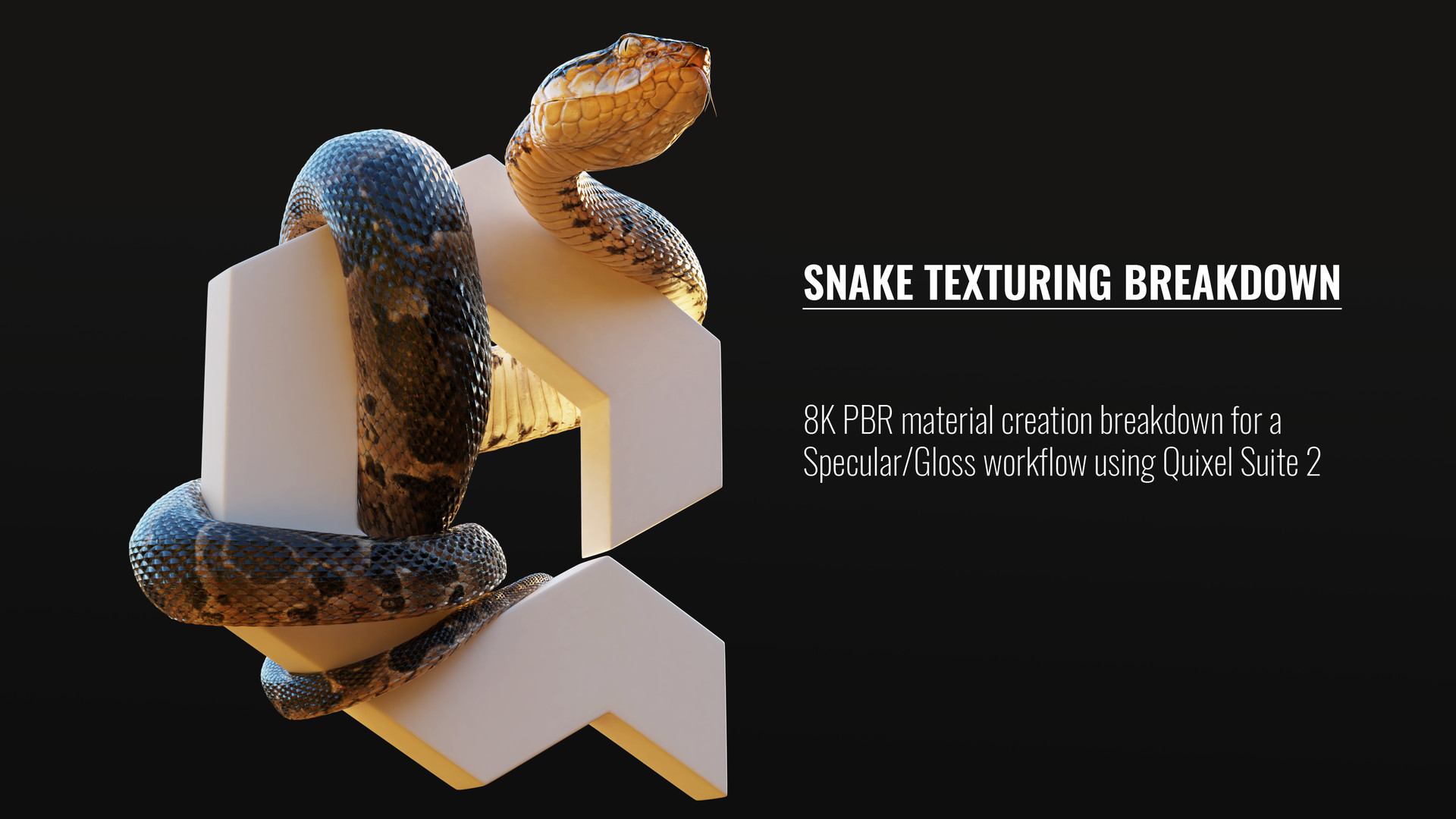
Quick breakdown of the texturing process for my PBR Viper 3D model.

To begin the texturing process, I chose to sculpt a detailed viper head in ZBrush in order to bake the details into the low-poly mesh.

To create the scales, I opted to use the Blender hair particle system to replicate a scale I modeled around the surface of the snake. By employing this technique, it will be easier to bake an appropriate ID map later on.

I utilized three particle systems, each with a different type of scale, to generate the various scales found on the body of the snake.

After generating the scales, I combined them with the sculpted high-poly head to bake the normal, AO (Ambient Occlusion), and ID texture maps.

I assigned different emission materials to the various sections of the high-poly model. After that, I baked an emission map in Blender Cycles to use as an ID map.

The baked ID map was applied to the geometry. Please notice how the contours of the scales are clearly shown on the map. This will allow us to easily add edge wear and other effects in DDO (Quixel Suite's DDO).
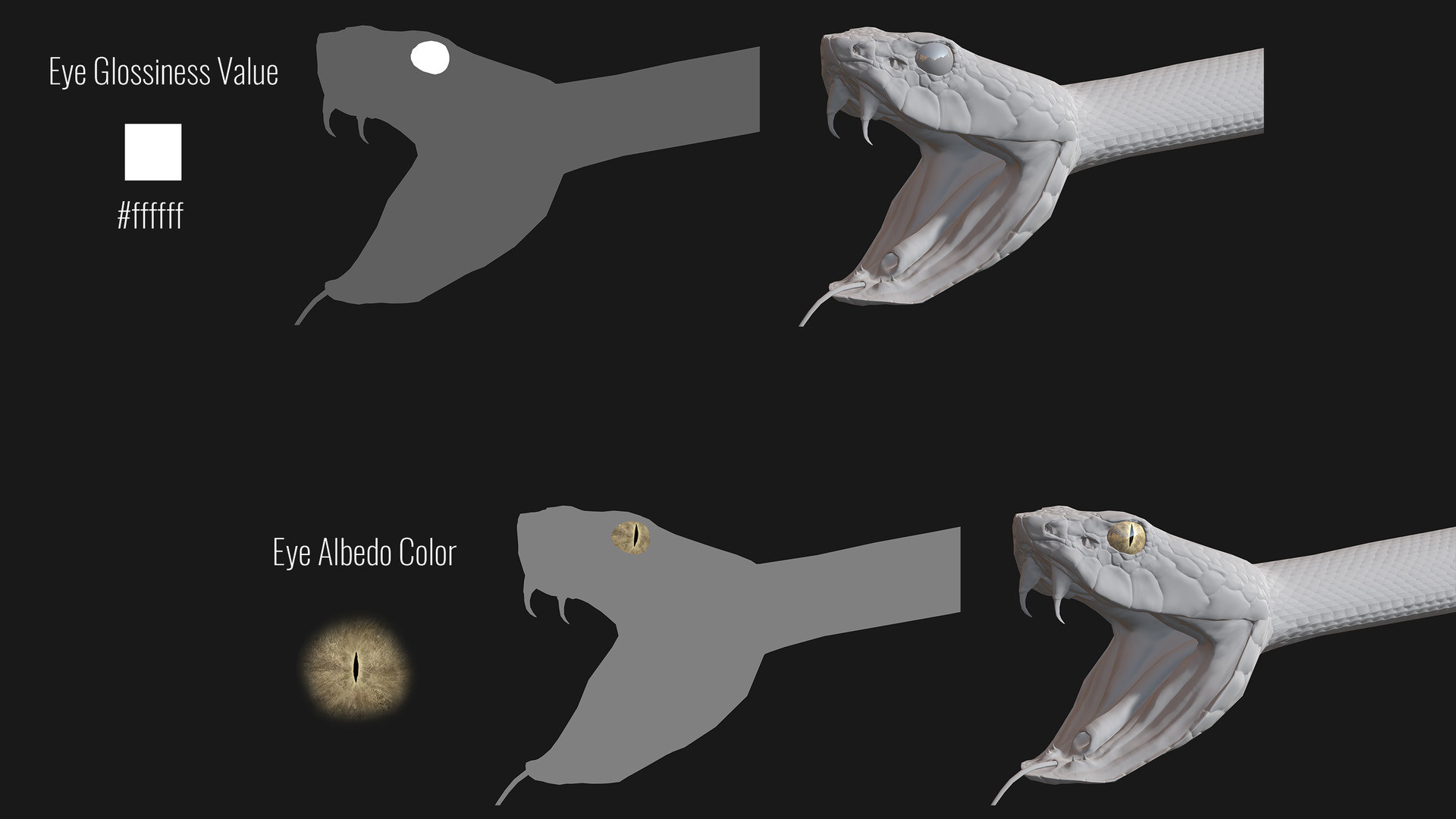
After importing the model into DDO, I began working on the eye. The albedo is based on a photograph of a snake eye, with the specularity removed. I set the glossiness to 100% and decided to leave the specular at the default value of 50%.

For the mouth, I used the 'Monster Skin' material included in DDO. I only tweaked the hues slightly to achieve the look I was aiming for.

The tongue is quite simple; it consists of only two color layers of different hues, with the one on top featuring a top-to-bottom gradient mask.

For the scales, I began by applying the 'Alien Skin (Yautja)' material included in DDO. After that, I reduced the size of the spots and adjusted the hues to achieve the colors I wanted.

To give the bottom scales a damaged look from friction, I utilized the 'Cow – Flipped Hide' material along with a dynamask composed of a pattern and an inverted top-to-bottom curvature.

I added a Color Layer and hand-painted the spotted pattern using the Ink and Dirt brushes in 3DO Painter, allowing for non-destructive adjustments until the desired effect was achieved.

I added another color layer with a lighter value to outline each spot.

I created a color layer in overlay mode with a dynamask that targeted the start of each scale (from front to back). Although it may seem similar to a simple AO, it yields distinct results during rendering.

In the final gloss map, the eye's glossiness value is near 100%, while all other values are around 90%. Finally, I added a dynamask using the AO map to increase roughness in areas where dust would accumulate, creating a nice variation in specular light.

Finally, I applied the 'Mother Pearl' material from DDO to produce color variations in the specular lighting and achieve subtle clefts in the scale's normals.

In the completed specular map, the skin value is around 8%, while other sections have higher values to achieve a wet appearance.

Comparison of the appearance before and after applying the 'Mother Pearl' material.
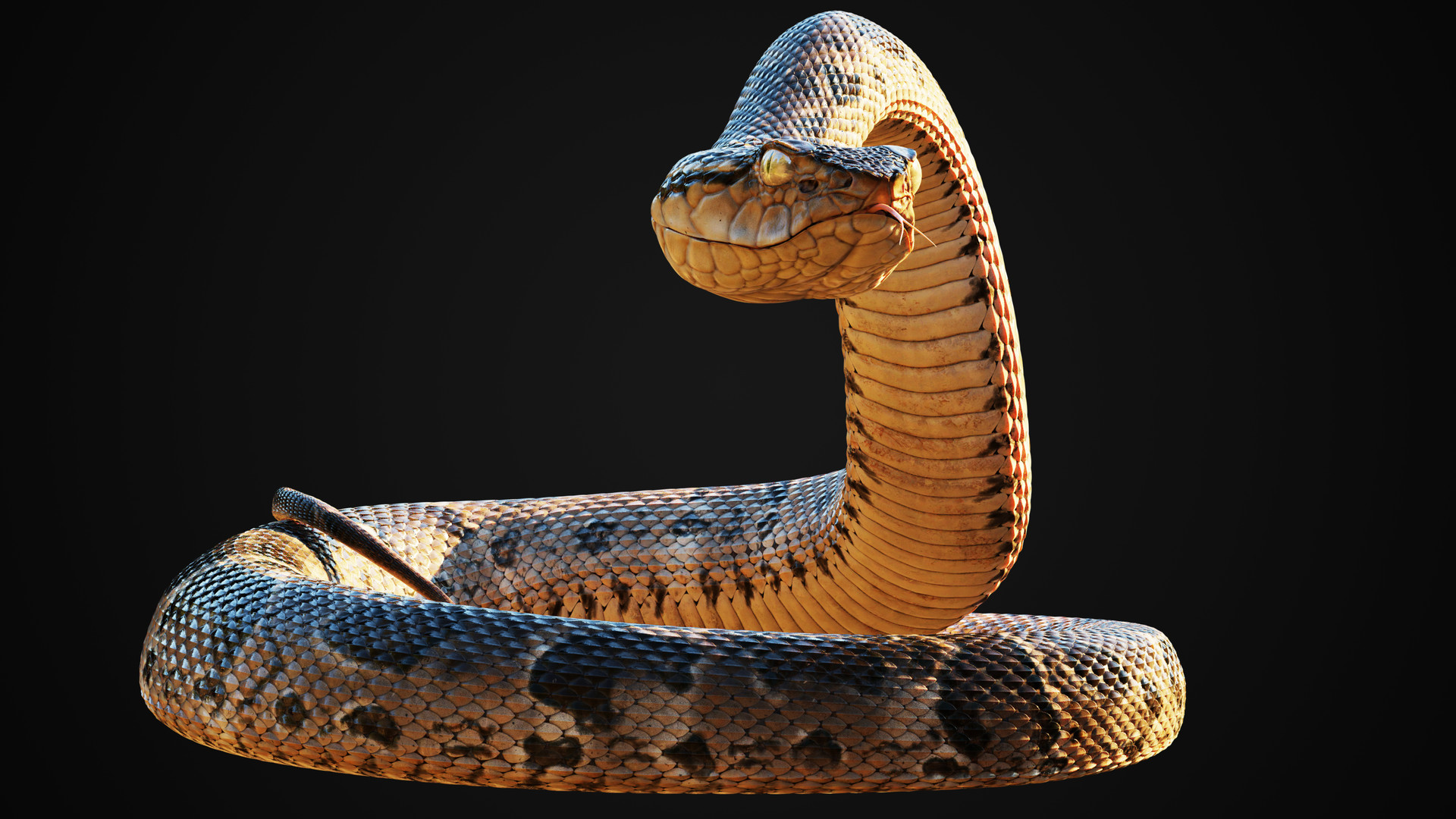
Image rendered in Blender Cycles.
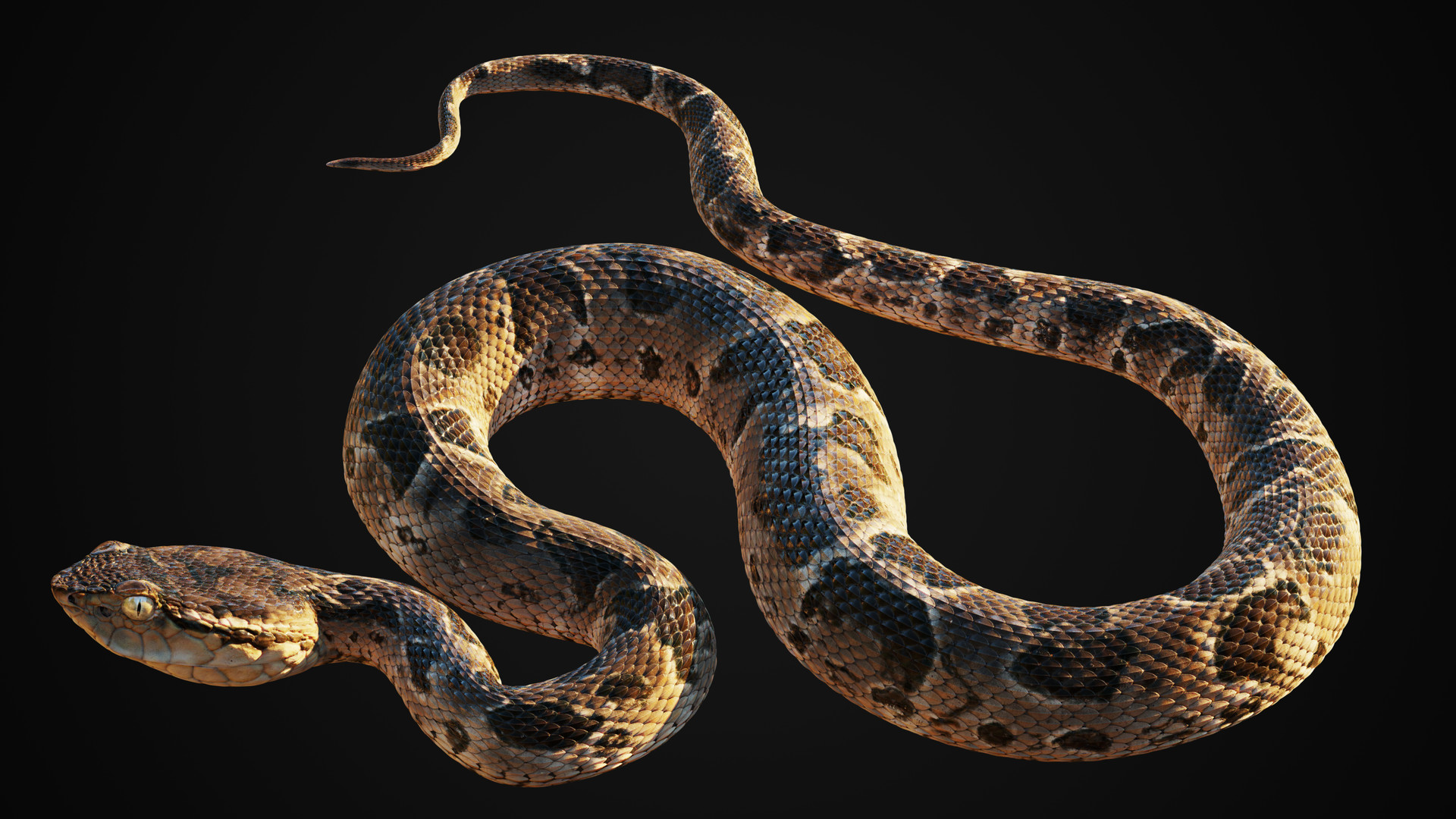
Image rendered in Blender Cycles.